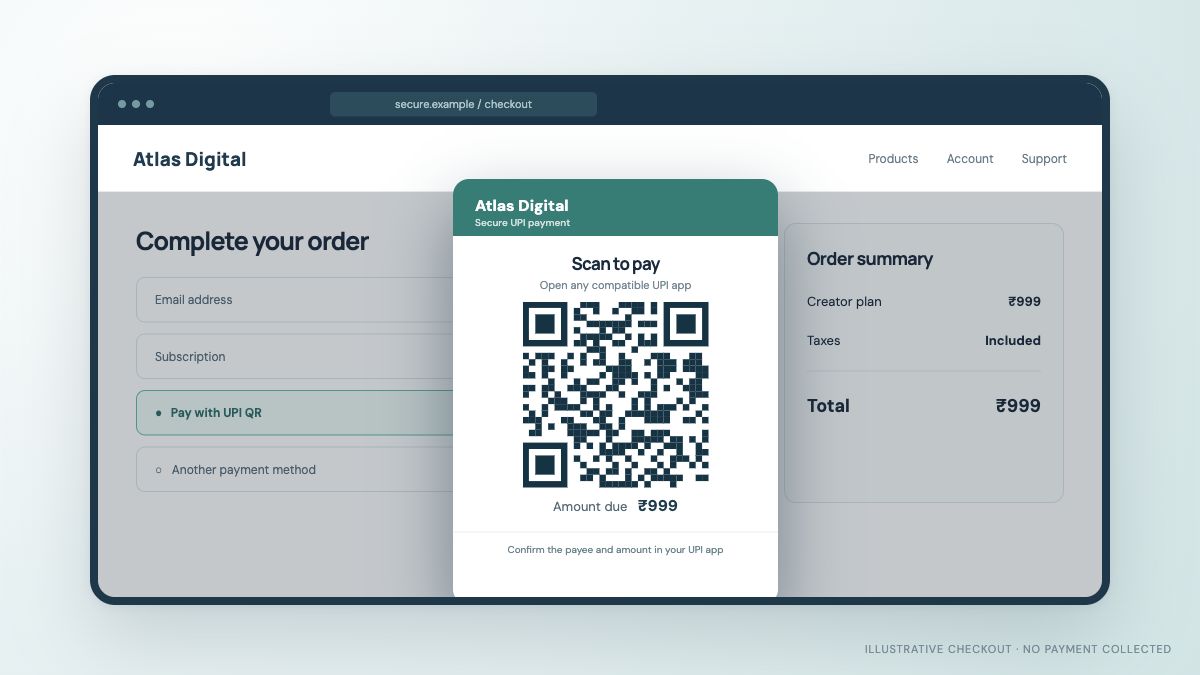
How to Choose a QR Payment Gateway for Your Website or App
A detailed checklist for comparing QR checkout, mobile UPI intent, merchant compatibility, order verification, support and “free” plan terms.
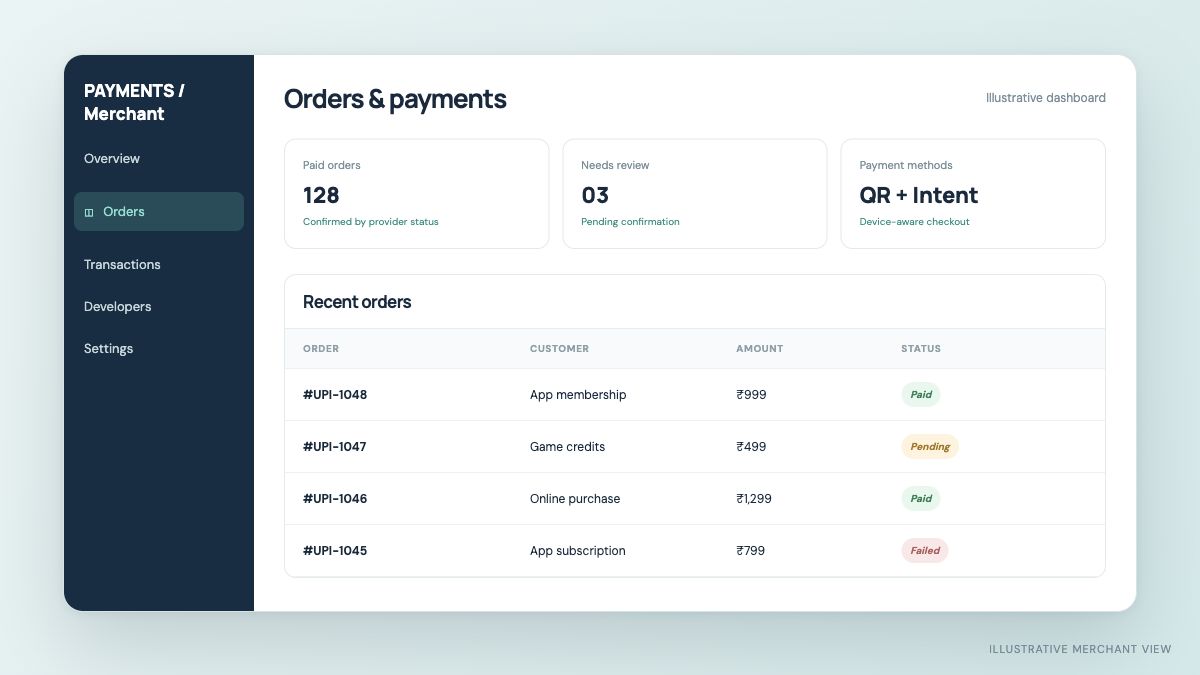
A QR payment screen can look convincing in a product demo. For a real online business, the harder questions come next: does the customer understand the payment, can you identify the correct order, and can your system tell a successful transaction from a pending one? Those questions should shape your choice of QR Payment Gateway.
This article is for teams building a website, app, game or digital service. It focuses on online checkout, not a printed QR at a physical counter.
1. Map the customer journey first
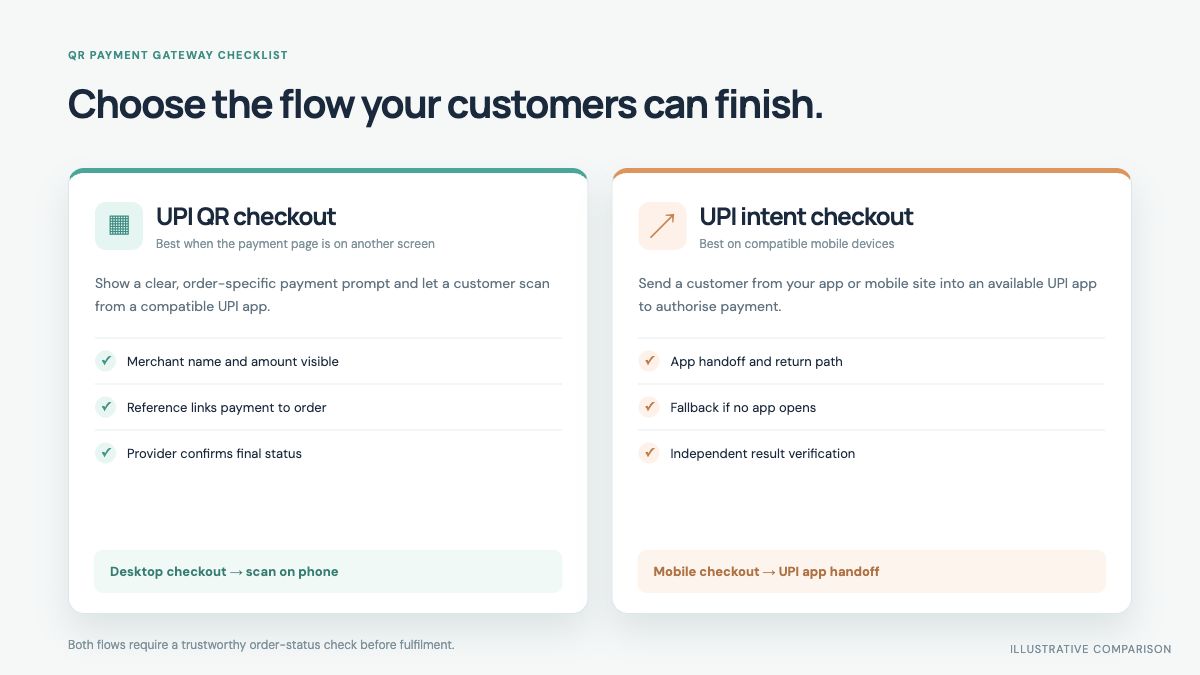
Start with the devices your buyers actually use. A customer on a desktop can scan a QR from a phone. A customer already on a phone may need an app handoff, a save-and-open option or a different supported route. Sketch the journey from checkout to order confirmation for each device.
Ask the provider to demonstrate the exact screens: where the merchant name appears, whether the amount is clear, how a UPI app opens, and what the customer sees if they cancel. A clean return path matters, but the returned screen still should not decide payment success on its own.
2. Understand the QR type and order matching
A static QR is generally associated with a merchant account. A transaction-specific QR can carry details for a particular checkout. The provider's implementation determines how the amount and order reference are handled. Neither label alone guarantees reliable reconciliation.
Request a clear answer to these questions:
- Can two buyers with the same amount be matched to their own orders?
- What happens if a customer pays after the QR expires or retries the payment?
- Is the amount locked by the checkout or editable in the UPI app?
- Can you trace a transaction with a provider reference if support is needed?
3. Test the mobile UPI intent experience
If a large share of your traffic comes from phones, ask whether the provider supports UPI Intent Payment Gateway flow. Intent can open a compatible installed UPI app from a mobile checkout. It is helpful when scanning a QR on the same device would be inconvenient.
Test both success and non-success paths. What if no UPI app is installed? What if the user presses Back? What if the UPI app approves payment but your browser tab was closed? A robust integration provides an understandable fallback and retrieves final status independently.
4. Verify payment before fulfilling
This is the most important technical requirement. A buyer may show a screenshot or your app may regain focus, but neither confirms that the merchant received the payment. The checkout provider should document its payment status API, webhook or another reliable confirmation mechanism. Your backend should update the order only after validating that result.
Ask whether status updates include a unique transaction reference, the expected amount, merchant identity and a final state. Also ask how to handle delayed or pending outcomes, duplicate callbacks and retries. For digital goods and game balances, these controls help prevent an order being credited twice or before payment is settled.
5. Confirm merchant account and funds flow
Providers differ in account eligibility and the path funds take. Ask whether your current merchant UPI ID is supported, who handles merchant onboarding, which entity receives the customer's payment and who handles refunds or transaction disputes. Marketing phrases such as “UPI Payment Gateway” or “QR Payment Gateway” are not a substitute for that detail.
The RBI describes payment gateways as technology providers that route and facilitate online transactions without handling funds. A payment aggregator is a distinct model. JaduPe says its service connects supported existing merchant UPI or QR accounts and does not hold customer funds; confirm the fit for your account directly.
6. Read “free” pricing precisely
A “Free Payment Gateway” offer may be useful for evaluation, but free does not always mean unlimited or permanent. Check the current validity period, transaction allowance, number of merchants, webhook or API limits and the price after the initial period. JaduPe currently describes a limited free starting option on its site; its live pricing page is the source for the terms in force when you sign up.
7. Review support and operational details
Small issues matter once real orders arrive. Find out who answers a merchant when a payment is pending, what transaction information support needs, how refunds are initiated and how your accounts team reconciles orders against merchant bank records. For an app or game, also ask how to diagnose a customer who says the money left their account but the order did not update.
A practical comparison sheet
| Question | Why it matters |
|---|---|
| Which QR and intent flows are supported? | Customers use different devices and UPI apps. |
| How is payment tied to an order? | Prevents the wrong order being fulfilled. |
| What confirms final status? | A screen return or screenshot is not proof. |
| Does my merchant account qualify? | Onboarding and funds flow vary by provider. |
| What does the free plan include? | Validity and usage limits may apply. |
| Who handles exceptions and refunds? | Support matters after launch. |
Make a decision with a real trial
Before going live, run controlled test orders on desktop and mobile. Include successful payment, cancellation, pending status and retry. Confirm that your own backend records the right order result and that customer-facing messages remain clear. A QR that looks polished is helpful; a payment flow you can operate reliably is the real standard.
NPCI's UPI FAQs describe QR and Intent among merchant integration modes. The RBI payment terminology clarifies the gateway and aggregator distinction. Use these primary sources alongside the provider's current technical and commercial documentation.
Ready to connect UPI to your checkout?
JaduPe provides current service, eligibility and plan details. Review them before you begin.
Explore JaduPe ↗